
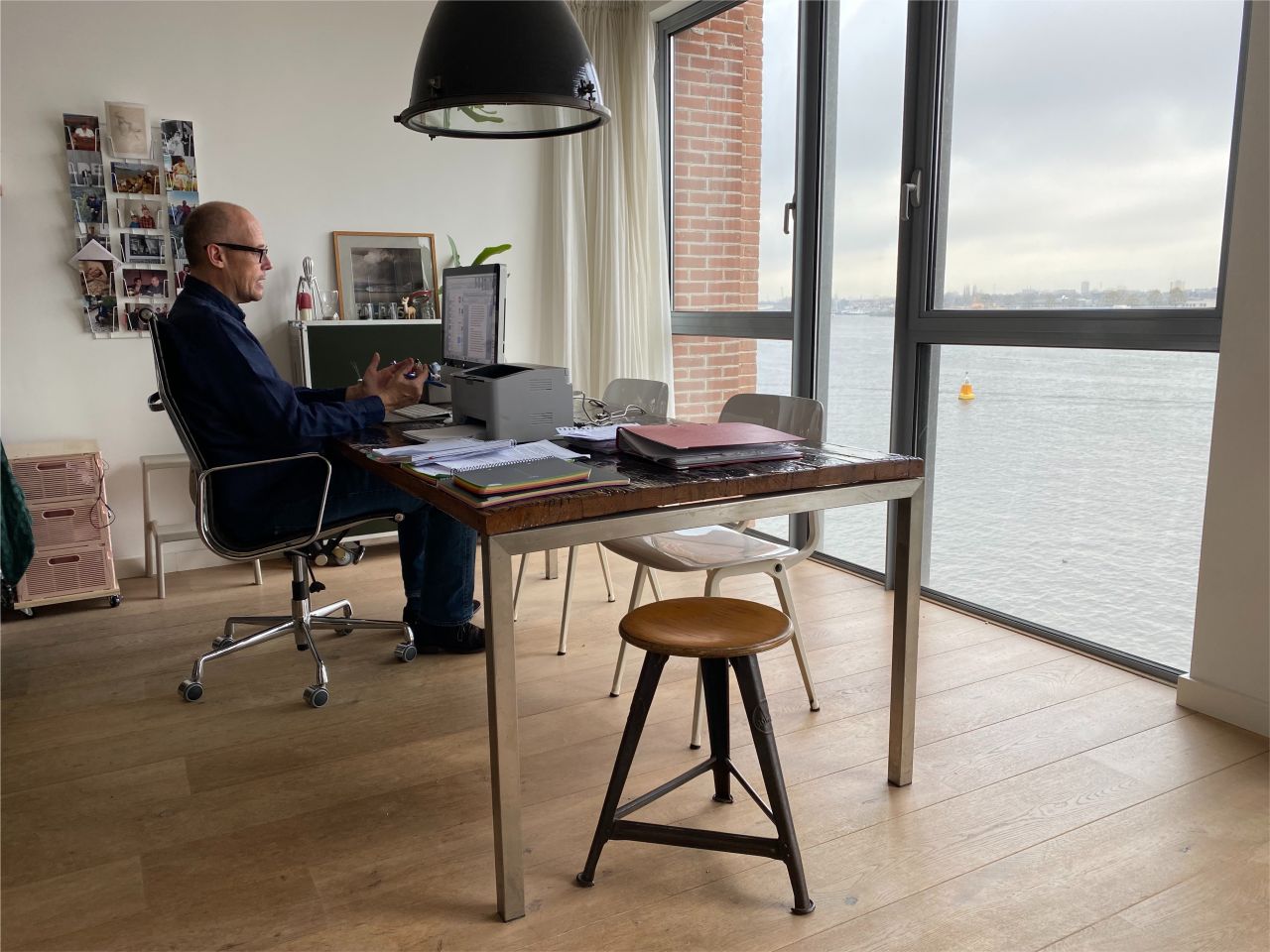
More than half of the Dutch employees work regularly from home or away from the office – making us the frontrunner in Europe. Every employer knows by now: the Working Conditions Act (Arbowet) doesn’t stop at the office door. Obligations apply to the home workstation too. I explain exactly what the law says, what that means in practice, and what can happen if an employer doesn’t act.
Does working from home fall under the Working Conditions Act?
Yes. The Working Conditions Act (Arbeidsomstandighedenwet, or Arbowet) places a “duty of care” on employers. They must provide a safe and healthy workplace, even when that workplace is an employee’s living room or study. This is summarised in Article 3 of the Working Conditions Act (Dutch) and explained in plain English on the government’s official business portal
The law talks about what can “reasonably” be expected of an employer. Like many things in the law, that’s fairly vague. In my view, it’s “reasonable” (and thus mandatory) for an employer to organise an online ergonomic home workstation assessment.
The law also requires employers and employees to regularly discuss safe and healthy working – not only when someone joins.
What do you need to arrange as an employer, concretely?
The duty of care isn’t just a nice principle. A few concrete obligations follow from it:
- Update your (workplace) risk assessment document (RI&E). The RI&E needs to cover the risks of working from home too. This includes physical (such as RSI), but also psychosocial strain, like work/ life balance.
- Draw up an action plan. Every RI&E needs an action plan: what are you going to do to reduce the risks you’ve identified, and by when?
- Provide information. Explain to staff how to set up their workstation properly. Because every home workstation is different, in my experience this only really works if you give individual advice. It’s also important that a one-off induction session isn’t enough. My tip: always give employees the option of having an occupational therapist or ergonomist look at their home setup whenever they feel the need.
- Consult your works council or staff representation. If you have a body that represents your staff (Ondernemingsraad – OR), you need their agreement for your health and safety policy, including your home-working policy.
This is also set out on Business.gov.nl, the official government portal for entrepreneurs.
Specific requirements for the home workstation
The Working Conditions Decree (Arbeidsomstandighedenbesluit) works out the Working Conditions Act in more detail. For display screen work (articles 5.7 to 5.12), one requirement is that an employee who works more than two hours a day at a screen structurally must have access to a separate monitor or a separate keyboard. A laptop on a laptop stand with a separate keyboard and mouse comfortably meets this requirement. The workstation must also have adequate lighting, the software must be suitable for the work, and there must be regular breaks.
In practice, this doesn’t have to mean everyone needs an expensive office chair and an adjustable desk. With the right posture and enough variation, you often get a long way already (see also my 8 tips for better sitting posture when working from home). Is an individual ergonomic workstation assessment mandatory? That’s a bit nuanced (yes and no), and I explain it in this article.
Do you have to pay for the home workstation as an employer?
The Working Conditions Act doesn’t prescribe a fixed amount. What is certain: if an employee doesn’t already have suitable equipment, you as the employer need to offer something – on loan, with a reimbursement, or through the work-related costs scheme (werkkostenregeling): workstation equipment that meets the Working Conditions Act requirements falls under the targeted exemption, provided the reimbursement only covers costs (if the employee tops it up themselves, the exemption usually doesn’t apply).
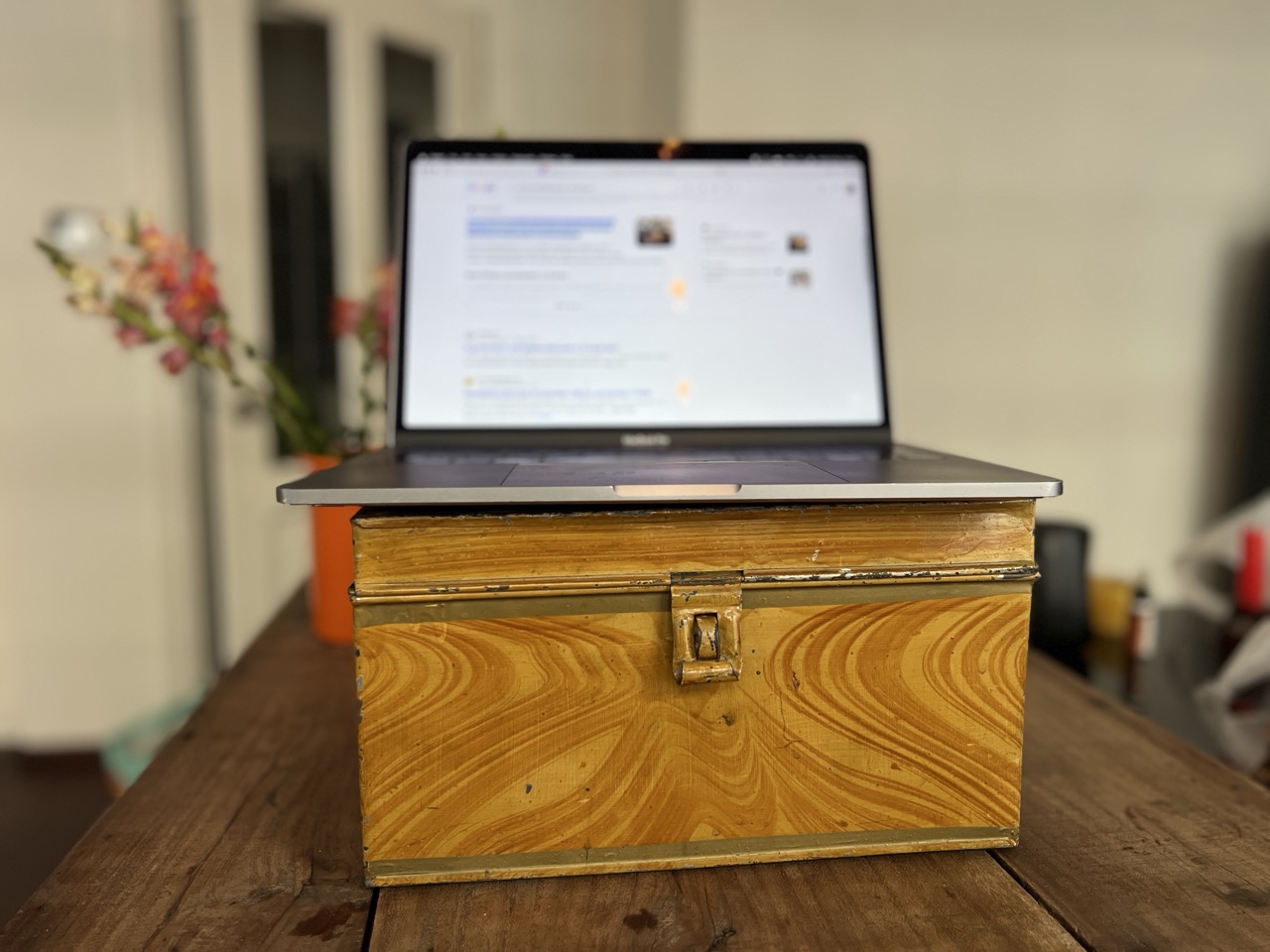
Many companies opt for a one-off budget of between €500 and €1,000. In my view, a work from home allowance is often unnecessary if you have an ergonomist or occupational therapist who can come up with creative solutions (a laptop stand, for example, could simply be a stack of paper).
If staff use a laptop, providing an external keyboard and mouse is essential to comply with the Working Conditions Act. A separate monitor is often needed as well, or alternatively a laptop stand, a stack of paper or something else that can be used to raise the laptop.
What if you don’t sort this out?
The Netherlands Labour Authority (formerly the Labour Inspectorate) checks compliance with the Working Conditions Act and can take enforcement action. A missing or outdated RI&E with action plan is one of the most common violations: the official fine guidelines run up to €13,500 per violation (published in Dutch only, as far as I could find), adjusted for company size, with a 100–200% increase for repeat violations. The Netherlands Labour Authority’s English-language pages explain the enforcement framework itself.
Moreover, you carry civil-law risk as an employer: if an employee suffers demonstrable health damage because of a poorly set-up home workstation, you can be held liable under Article 7:658 of the Dutch Civil Code.
Step-by-step plan: how to comply with the Working Conditions Act as an employer
- Explicitly include working from home in your RI&E and the accompanying action plan.
- Make sure employees who work from home structurally have access to a separate keyboard (and/or screen) and mouse.
- Give active, repeated guidance on a healthy working posture
- Decide how you’ll provide suitable equipment: on loan, reimbursement, or via the work-related costs scheme.
- If in doubt, or if complaints persist, have an ergonomic workstation assessment carried out, so you can demonstrate you’re meeting your duty of care.
In short
The Working Conditions Act requires employers to uphold a duty of care for home working too: a safe, ergonomically sound workstation, an RI&E that takes home-working risks into account, and active guidance. There’s no fixed reimbursement required, but you do need to make sure employees have access to suitable equipment. Fail to do this, and you risk both a fine from the Netherlands Labour Authority and liability for health complaints.
Not sure whether your home-working policy is compliant, or want to arrange ergonomic workplace advice for your staff? I’m happy to help!