
Most Dutch people work from home at least occasionally. Even so, many people still pay too little attention to their home workstation. In my view, expensive ergonomic desks and chairs are usually not necessary at all – you can work perfectly well at the kitchen table, as long as you know how to sit.
These 7 steps will help you set up a workstation – and one that’s more pleasant to work at too.
Step 1: Choose a quiet spot for your home workstation
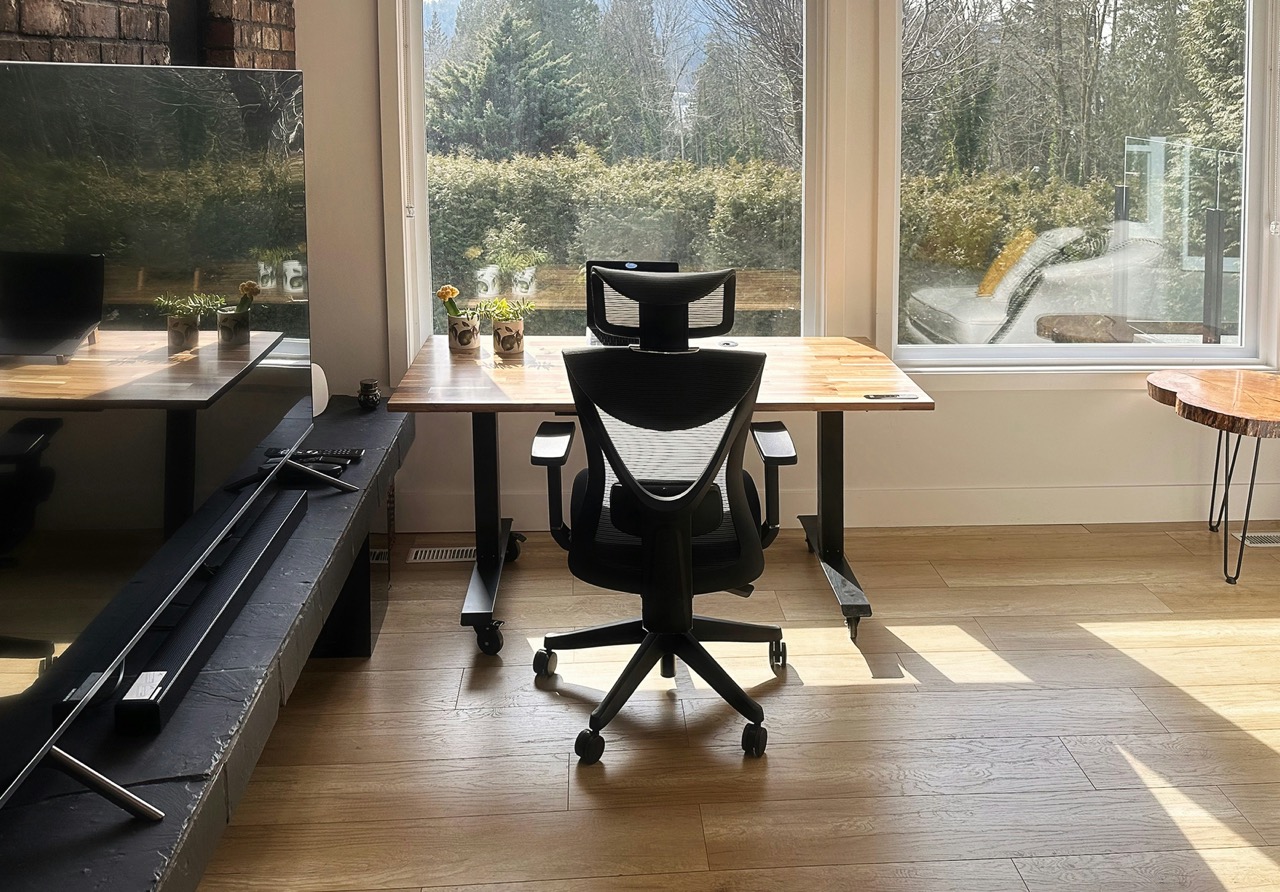
It can be a good idea to work from different home workstations. You’ll walk about more, and your sitting position will be slightly different wherever you are. Variety is one of the most important ways to prevent aissues Nevertheless, if you can I advise setting up one home workspace well.
The best place for a home office is typically a separate room or a quiet corner where you won’t be easily disturbed. Of course, many people don’t have that luxury: I myself live and work in a 42 m² studio flat. My desk also doubles as my dining table (and drinks table, and much more).
Don’t have a separate workspace? Take the time at the end of your working day to put your work things away in a cupboard. It takes me a few minutes every day, but it’s a lovely ritual to really bring my working day to a close and switch to “personal”.
Do you share a desk with a partner, flatmates, or children? Agree on some rules!
- At what times is room is ‘in use’, and how do you indicate this (a closed door, wearing headphones)?
- Who uses which space when there are several people working from home?
- How to deal with noise during video calls?
Also bear in mind the lighting at your home workstation.
- Ideally, avoid positioning your screen with the window directly in front of or behind you. Daylight coming in from the side is ideal.
- Ensure there is sufficient lighting in the evening. A good rule of thumb: the screen should never ‘give off light’ into the room. Make sure there is enough light around your workspace.
Step 2: Sort out your feet and chair first

Adjust your chair before you even look at your desk! Place your feet flat on the floor, slightly in front of your knees, and don’t cross them. Can’t your feet quite reach the floor? Use a footrest, or a book (or wear shoes with high heels!).
Step 3: Adjust your home office desk & arms
Your forearms and elbows need to be well-supported – on your chair’s armrests, or on the desk. Prefer working at the desk? Then really pull your chair right in, until your stomach touches the edge of the desk. That forces a good posture: a straight back, relaxed shoulders, no arching your back to reach your keyboard.
Your elbows should stay at an angle of around 90°, with enough legroom under the desk. Is your desk too high and can’t your chair go any higher? A footrest is a great solution. Or saw a bit off the table legs 😀.
The article 8 tips for better sitting posture when working from home has a few more tips on this.
Step 4: Place screen and mouse correctly

Position your screen directly in front of you. If you look straight ahead, your gaze should rest just above the centre of the screen, at an arm’s length away. This does not necessarily have to be the top edge, as is often claimed. If you’re working with two screens, ensure that their top edges are at the same height. Position the screen you use most frequently directly in front of you, and the second one next to it
As a guideline, maintain a distance of 60 to 80 centimetres between your eyes and the screen, depending on its size. A key rule of thumb: everything must be clearly legible without you having to lean forward. Is the screen too low? A laptop stand works, but so does a stack of paper.
If you’re working on a laptop, place it on a stand or a stack of books and connect a separate keyboard and mouse – otherwise, you’ll be constantly looking down and hunching your shoulders forward.
Step 5: Use a separate mouse and keyboard at your home workstation
Do you work on a laptop for more than two hours a day? Then Dutch law requires employers to let you use a separate keyboard and mouse. Also you should lift the laptop. That’s because when you use a laptop screen it is always positioned too low to sit correctly. Even under two hours a day on a laptop, I recommend using a separate keyboard & mouse. Use the keyboard as much as possible and the mouse as little as possible; if you ever get wrist or hand complaints, you can benefit a lot from learning a few keyboard shortcuts for common actions.
Using an ergonomic mouse is not a good idea for most people. Used incorrectly, it can actually make complaints worse. As a general rule: the flatter the keyboard and mouse, the straighter your wrists stay.
Step 6: Build in movement
Movement and variety matter more than anything else. The best posture is, and remains, your next posture. Get up at least every 45 minutes from your home workstation.
- Working at a standing desk? Stand upright mainly during tasks where you don’t need your keyboard and mouse much, like video calls. And don’t do that for longer than 30 to 45 minutes at a stretch, since standing is at least as demanding as sitting.
- Can you take the occasional call without video? Do it while walking, if you can. It combines movement with work, and often makes you more creative too.
- Be careful with trendy ergonomic stability balls and the like, which I’m not a fan of.
- Do you keep forgetting these kinds of breaks? This free ergonomic break software reminds you.
You’ll find more concrete ideas for staying active throughout the day in tips for moving more during your working day.
Step 7: Check yourself – and get help
Seeing or feeling for yourself whether you’re sitting well is surprisingly difficult. You could take a photo of yourself at your desk using the self-timer, or (often even better): ask a family member, friend or colleague to make a few photos while you’re deep in concentration. That’s typically when your posture is at its worst!
If complaints persist, don’t wait too long: an ergonomist or occupational therapist can quickly spot what could be improved in your specific situation. And that’s not just true for you as an employee – under Dutch law, your employer is also required to ensure a safe, healthy home workstation.